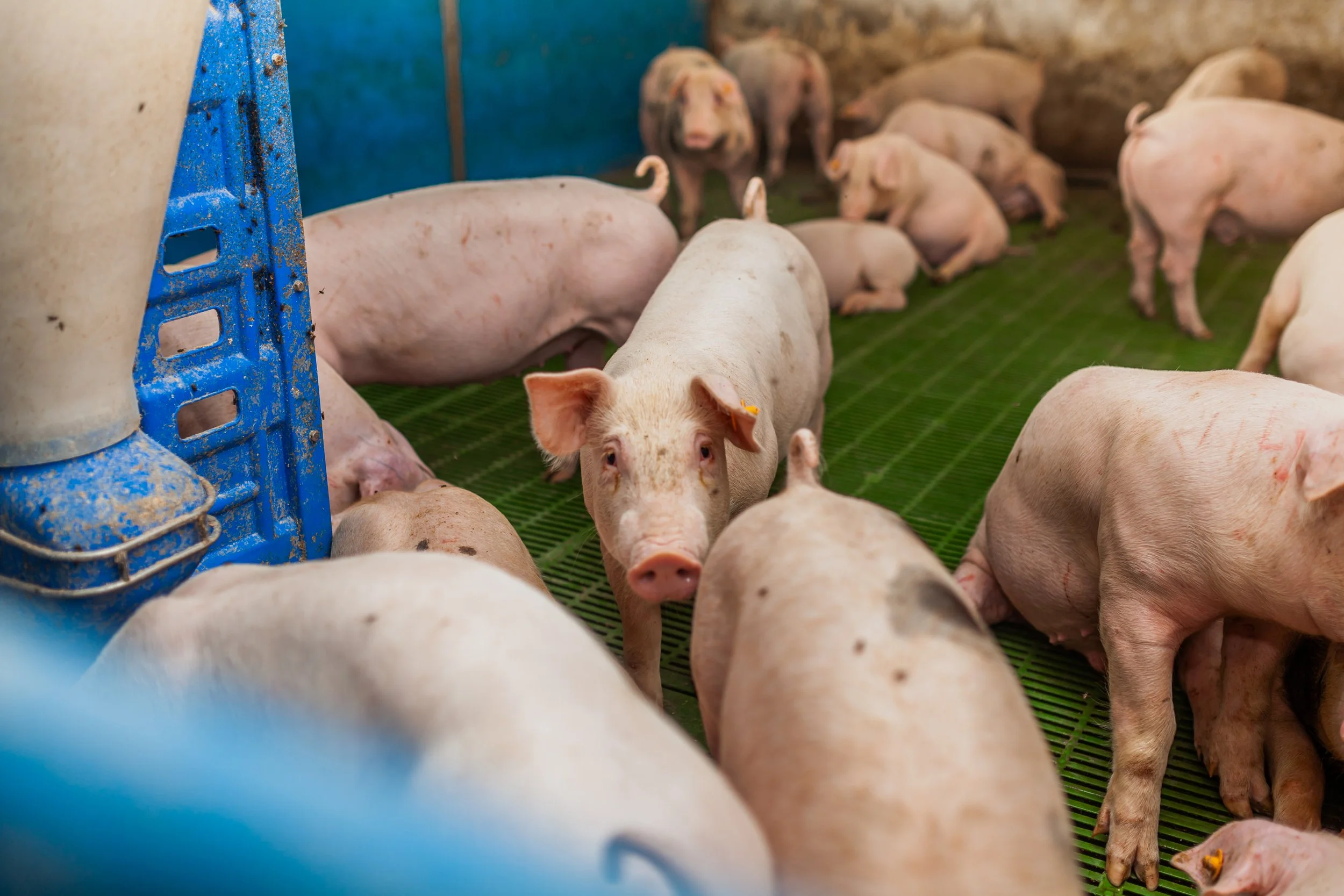
High House Farm
Join the Facebook group if you’re local to Matfen
High House Farm
Planning application to house an additional 950 pigs on a factory farm in Matfen, Northumberland
High House Drive, Matfen, Northumberland, NE20 0RG

How to submit your objection
Objections to this planning application must be submitted through Northumberland County Council’s planning website. Submitting yours should only take a few minutes. You will need to:
Write your objection (you can use the AI tool below to create an objection for you, if you wish).
Create an account on the Northumberland County Council website (here).
Log in and search for planning application reference 25/03225/FUL.
Copy and paste your objection into the Council’s website, and submit it.
Troubleshooting Tips
If you get an error message that your postcode is not recognised, simply enter your full address and press ‘next.’
We recommend trying three times - it may not work the first time!
See the council’s video on how to register and object here.
Still struggling? Contact the Council with your objection directly by email, explaining that you’ve had trouble objecting by registration, at publicaccesshelpdesk@northumberland.gov.uk (be sure to include the reference: 25/03225/FUL).
If you’d like more guidance, detailed step-by-step instructions are provided further down this webpage.
Below is a tool that you can use to create a unique objection.
Local to Matfen, Northumberland?
Are you a local resident looking to get more active in this campaign? Get in touch at info@caff.org.uk
Step-by-step instructions for submitting an objection
Step 1 - Write your objection
You can either:
Write your own objection; or
Use the tool above which will create a unique objection for you using artificial intelligence.
If you choose to use the tool above, follow these steps:
Fill in your details in the ‘Submit your objection’ section below.
If you are a local resident, tick the box that says “I live locally to this development” - this will generate a more detailed objection template.
Add in your personal reasons for objecting into the free text box.
Tick the box to confirm you are not a robot.
Click ‘Generate draft’.
Your objection text will now appear - feel free to personalise it as you wish.
You’ll need this text for the next step, so either copy and paste it into a separate document before moving onto Step 2, or keep this webpage open so you can go back to it.
Step 2 - Create an account for Northumberland County Council’s planning department website - registration only takes about one minute.
Click below to access:
On the Council’s website, enter your details and choose a password.
Enter your postcode (and address if needed).
Tick the two boxes to confirm you agree with their terms and conditions, and click ‘Next’.
You will be emailed a verification link, click the ‘confirm’ button to activate your account
Click ‘Login,’ and log into your new account.
Step 3 - Find the planning application and submit your objection
After you have logged into your new account, click ‘Search’, then ‘Planning’, then ‘Simple Search.’
Scroll down to the search box entitled ‘Enter a keyword, reference number, postcode or single line of an address.’ In this box, paste the planning application reference number: 25/03225/FUL and click ‘Search.’
This will bring up the planning application for ‘High House Farm, Farm Buildings Matfen High House Drive Matfen Northumberland NE20 0RG’ - double check this is the correct application before progressing.
Click the box labelled ‘Make a comment.’
Scroll down and fill in your details
Under ‘Commenter Type’, select the category that applies to you.
Under ‘Stance,’ be sure to tick ‘Object.’
In the free text box, paste your objection that you created earlier.
Click ‘Submit.’
That’s it! Thank you for taking action to help stop this application.
Leaflet to Print PDF